Model Context Protocol (MCP) Guide: Standardizing AI Tool Integration
Everything developers need to know about Anthropic's Model Context Protocol (MCP) to connect LLMs to data sources, local systems, and external APIs.
On this page
Until recently, every AI developer built proprietary adapter code to connect models to databases, GitHub repositories, and internal corporate tools. The Model Context Protocol (MCP) changes this by introducing an open standard for AI application interoperability.
What is Model Context Protocol?
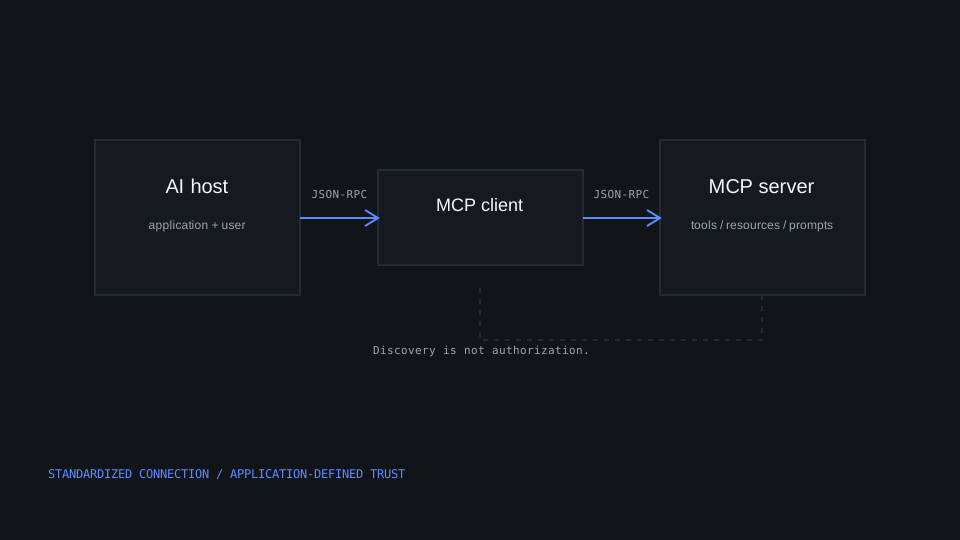
MCP is an open protocol that standardizes how applications provide context to LLMs. Just as the Language Server Protocol (LSP) standardized how IDEs communicate with programming language compilers, MCP standardizes how AI agents communicate with data sources and tools.
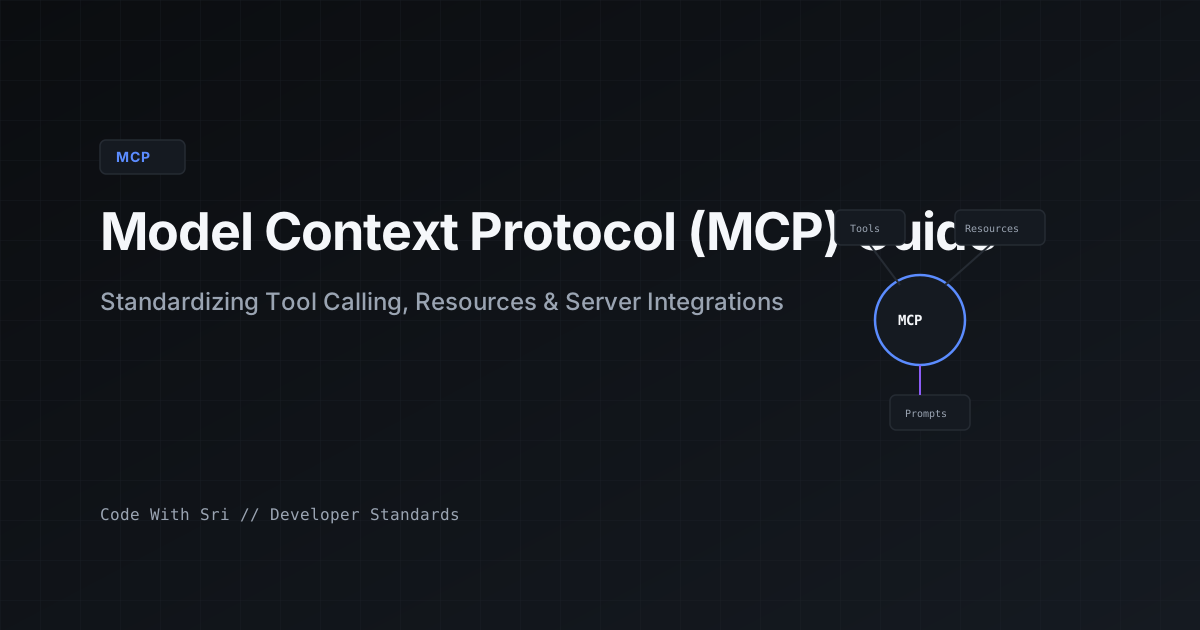
The protocol separates responsibilities into three primary primitives:
- Resources: File-like read-only data (e.g. database schemas, server logs, API responses).
- Tools: Executable functions that cause side effects or query dynamic systems (e.g. run a SQL query, commit code).
- Prompts: Pre-engineered prompt templates that MCP servers can expose directly to clients.
Implementing an MCP Server in Python
The official Python SDK makes exposing local resources and tools remarkably straightforward:
from mcp.server.fastmcp import FastMCP

# Initialize FastMCP Server
mcp = FastMCP("DeveloperToolkit")

@mcp.tool()
def read_system_status() -> str:
    """Return current server memory and CPU metrics."""
    return "Status: OK | Memory: 4.2GB / 16GB | CPU: 12%"

@mcp.tool()
def run_git_status(repo_path: str) -> str:
    """Check working tree status for a specific repository."""
    import subprocess
    result = subprocess.run(
        ["git", "status", "--short"],
        cwd=repo_path,
        capture_output=True,
        text=True
    )
    return result.stdout or "Working tree clean"

if __name__ == "__main__":
    mcp.run()
Configuring Clients to Connect to MCP Servers
Clients communicate with MCP servers over standard I/O (stdio) or Server-Sent Events (SSE). Here is an example client configuration file:
{
  "mcpServers": {
    "developer-toolkit": {
      "command": "python",
      "args": ["-m", "toolkit_server"],
      "env": {
        "ENV_MODE": "development"
      }
    }
  }
}The Future of Developer Tooling with MCP
As the ecosystem expands, developer tools will provide native MCP endpoints. Instead of writing custom API integration code for every SaaS product, developers will simply spin up the provider's official MCP server and instantly equip their AI agents with deep contextual awareness.
Keep learning with Sri
More practical tutorials and experiments on the channel.